
Secure Way
Vocal Heirloom vs. DIY Voice Cloning Tools
DIY voice cloning setups can feel tempting, until you hit confusing steps, inconsistent results, or serious privacy risks. Vocal Heirloom is built for people who want a guided, secure way to create a meaningful voice message from real life recordings, without technical guesswork.
A safer path than DIY
Why DIY voice cloning often breaks down
Most DIY voice cloning tools are built for experimentation, not for real people working with real memories. You might start with a voicemail, an old video, or a voice note and quickly run into the hard parts: cleaning noisy audio, matching levels, exporting the right format, and figuring out what is good enough to use. Even when you get a result, it can sound inconsistent, or simply not like the person you are trying to preserve. Just as important is what happens to your data. With generic setups, it is not always clear where files go, how long they are kept, or who can access the output. If you are creating something personal, you deserve a process that is designed for privacy, consent, and clarity from start to finish. Vocal Heirloom was built to make this experience simpler and safer. You can begin by checking whether your existing recording is usable, then follow a guided workflow that helps you create a single, meaningful MP3 message with confidence.
Check My Audio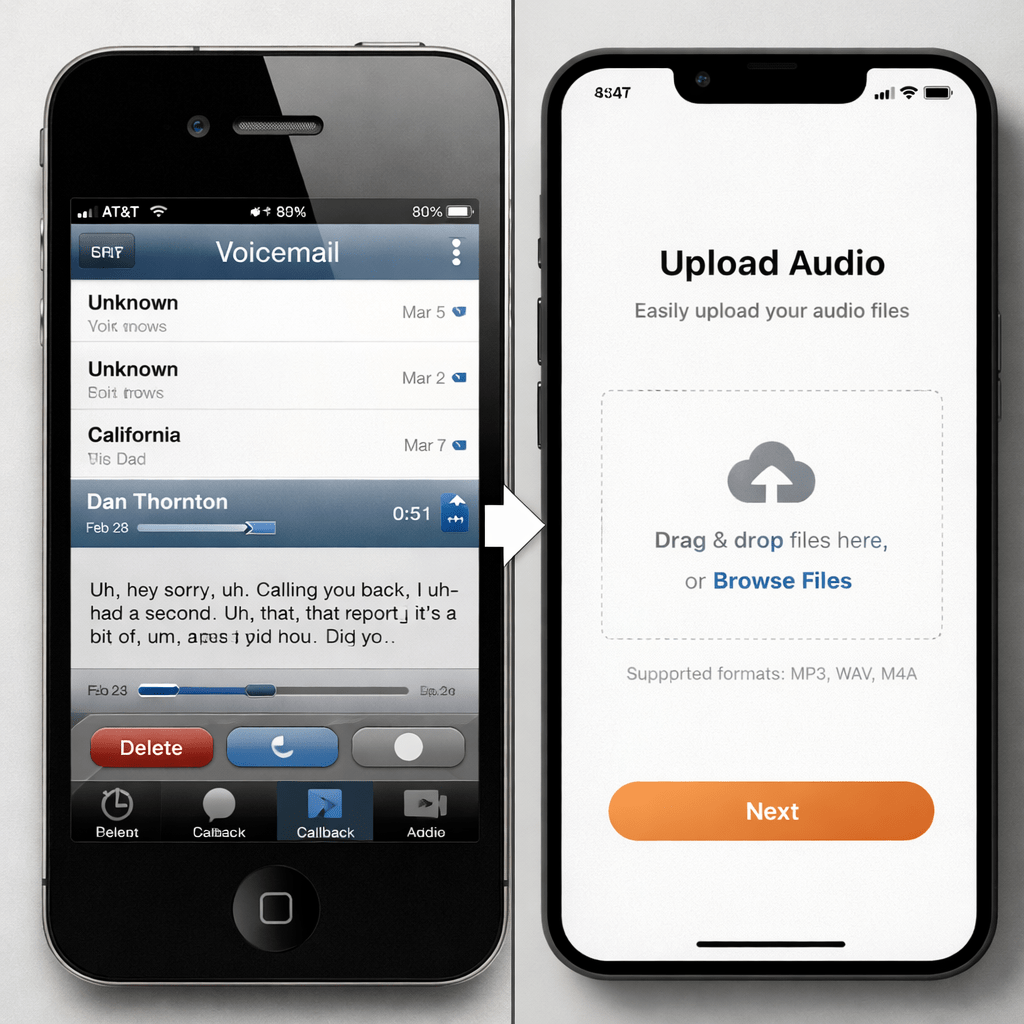
Safety and consent
Protect a voice from misuse
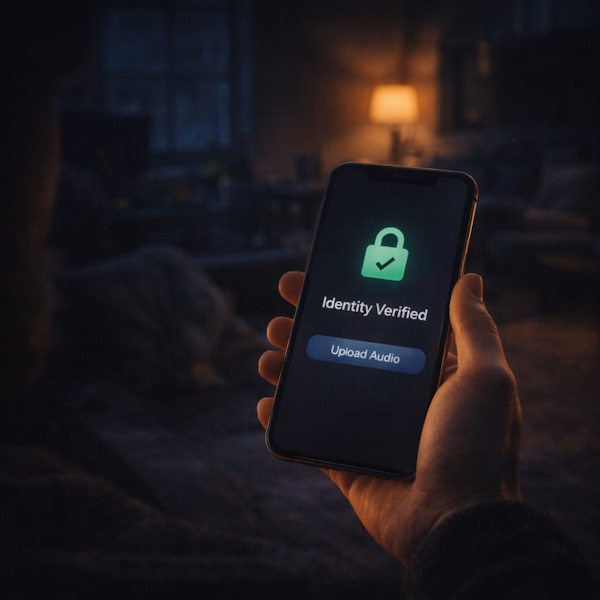
DIY setups rarely come with strong guardrails. Vocal Heirloom adds secure identity verification before any upload, helping ensure a voice is handled responsibly and with clear intent.
Ease of use
No technical learning curve
Instead of piecing together tools, settings, and file formats, you follow one guided flow. From script creation to final delivery, every step is built for non technical users.
Predictable outcome
A clear path to one MP3
DIY can produce unpredictable results and dead ends. Vocal Heirloom is designed around a defined outcome: a single, meaningful message delivered as an MP3 you can download.

Imperfect recordings
When the audio is not studio clean
DIY tools often assume you have clean inputs and the patience to troubleshoot. Real life recordings are different. Voicemails can be compressed, old videos can be echoey, and voice notes can include background noise. Vocal Heirloom is built for these everyday sources, so you can start with what you already have and quickly learn whether it is usable.
Privacy by design
When it needs to stay private
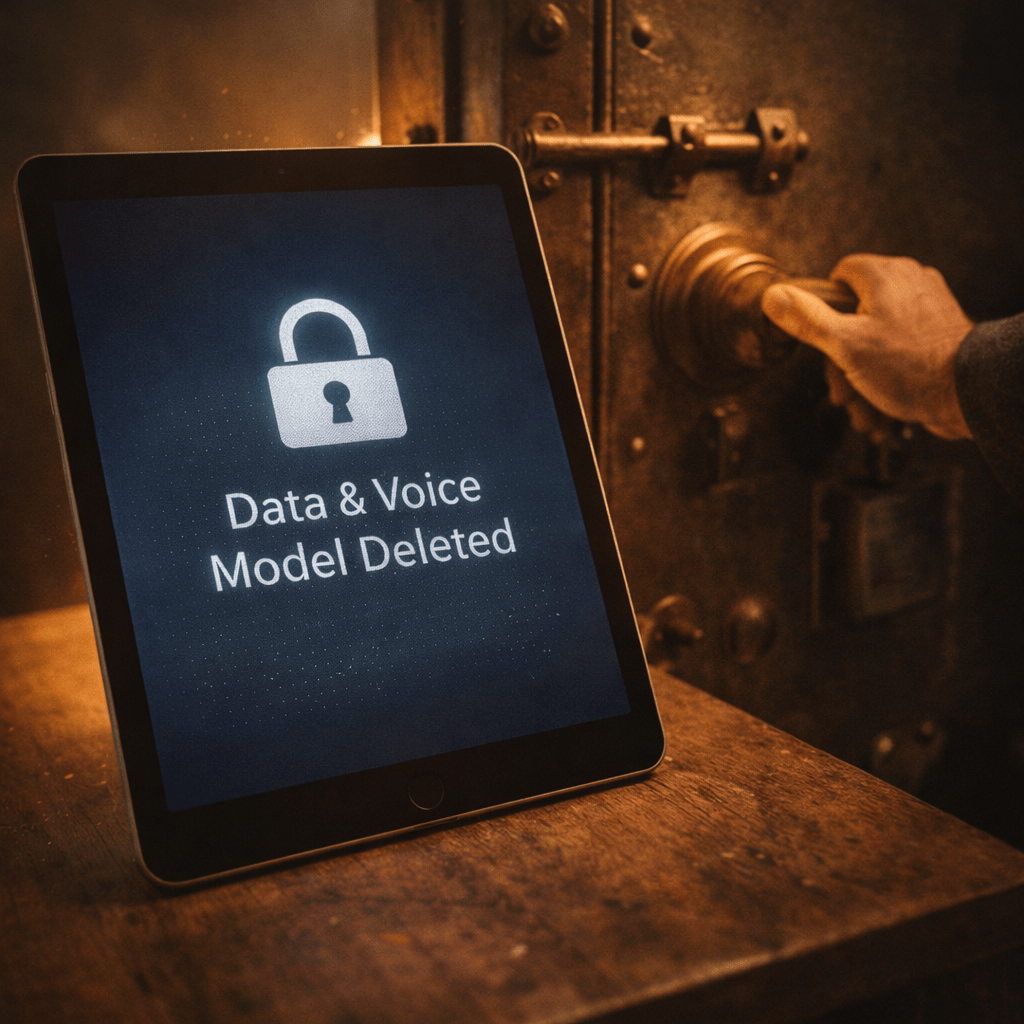
With generic DIY setups, it is easy to lose track of where files live and what gets saved. Vocal Heirloom uses secure identity verification before upload and deletes uploaded recordings and the generated voice model after creation. You keep access to the final MP3 download for up to 90 days.

Guided experience
When you cannot afford confusion
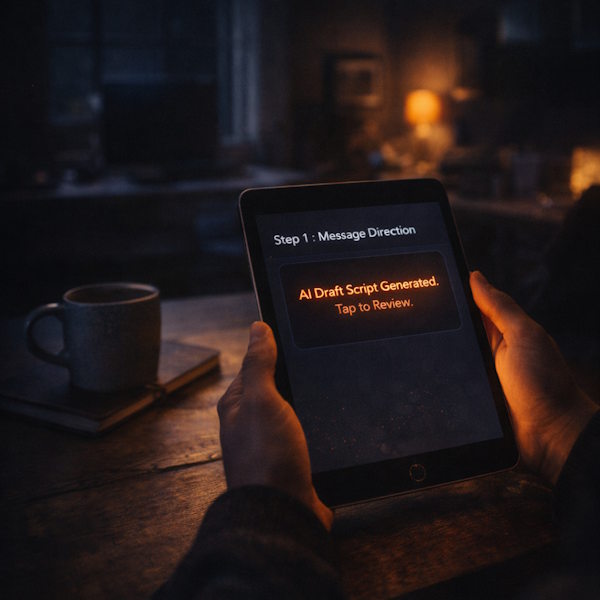
DIY voice cloning can turn into a project, not a solution. Vocal Heirloom keeps the process focused and understandable. You provide basic information, review a suggested script, verify your identity, upload your audio, and receive the final message without juggling multiple tools.
A complete workflow, built for real people
From first check to final MP3, Vocal Heirloom guides you through a secure, end to end process that prioritizes clarity, consent, and a predictable outcome.

Built for trust, not experimentation
Vocal Heirloom is designed for personal, meaningful voice messages created from existing recordings. It is not a voice banking service and it is not positioned as a medical solution. The goal is simple: make it easier to create a respectful, high quality result without exposing a voice to unnecessary risk. That is why identity verification is required before upload, and why uploads and the generated voice model are deleted after creation. You stay in control, and the process stays focused.
Check My Audio
FAQ
Clear answers about safety, simplicity, and what to expect when comparing Vocal Heirloom to generic DIY voice cloning setups.
Still have more questions?
If you need help choosing the right recording or want guidance through the steps, we are here to support you at any time.
Before you try DIY, check your recording
If you are working with a voicemail, an old video, or a voice note, the fastest next step is to see what you actually have. Use the free Audio Check to get an initial analysis. Add your email to receive a more detailed report, then decide on the safest and simplest path forward.
Check My Audio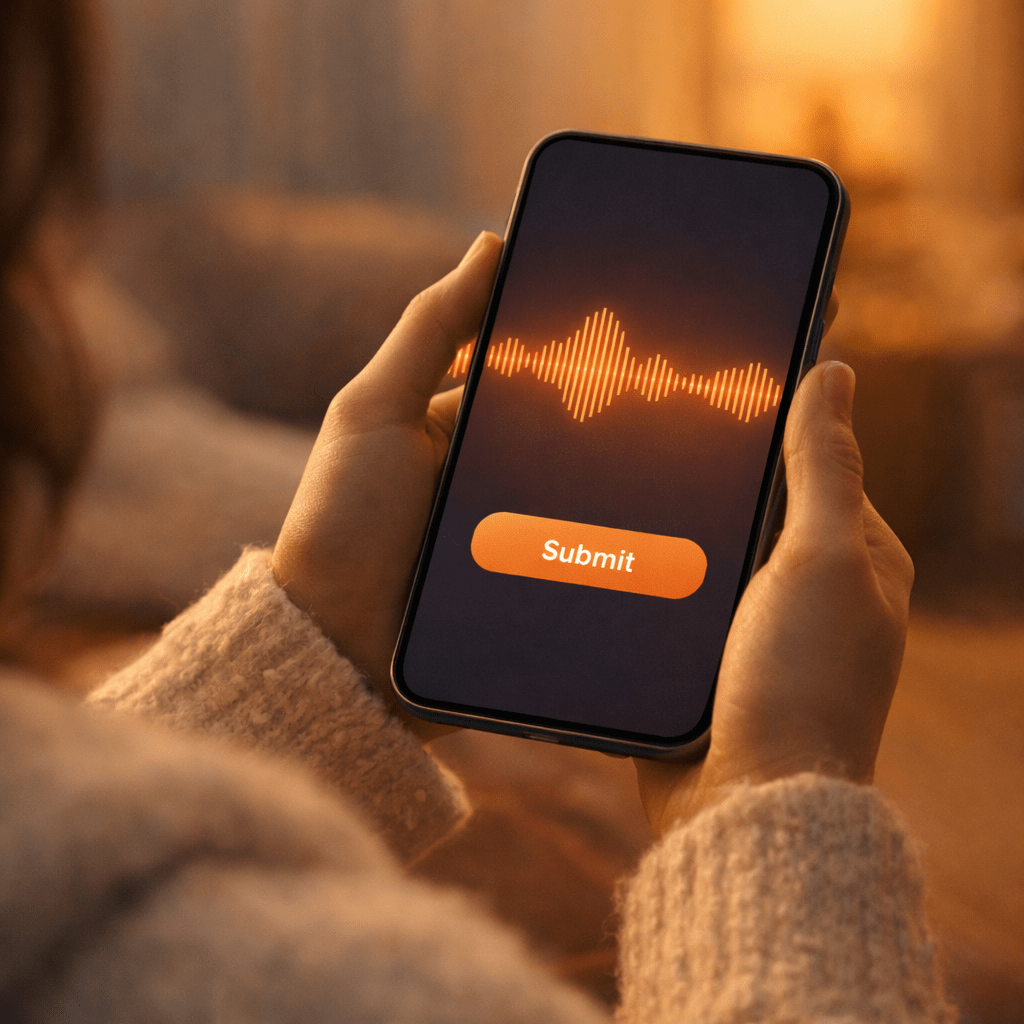
Example analysis showing signal quality before processing.