
How we restore clarity from imperfect recordings.
Keep Your Voice Alive With AI
ALS can change how you speak, but it does not have to erase how your voice sounds. Vocal Heirloom recreates natural sounding audio samples of your voice using recordings you already have.
Upload an audio file and see if it is suitable for
generating your personal voice message. No account required.
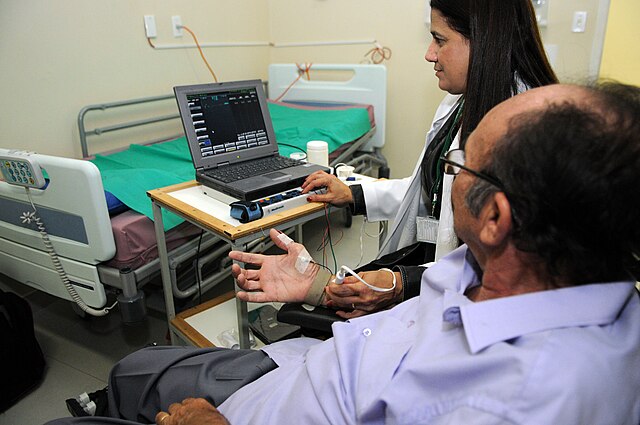
ALS and the Changing Voice
ALS affects the motor neurons responsible for speech. Many people notice reduced volume or increasing effort when speaking. Losing your voice can feel deeply personal. Vocal Heirloom helps preserve how your voice sounds by creating a natural audio message from your own recordings.
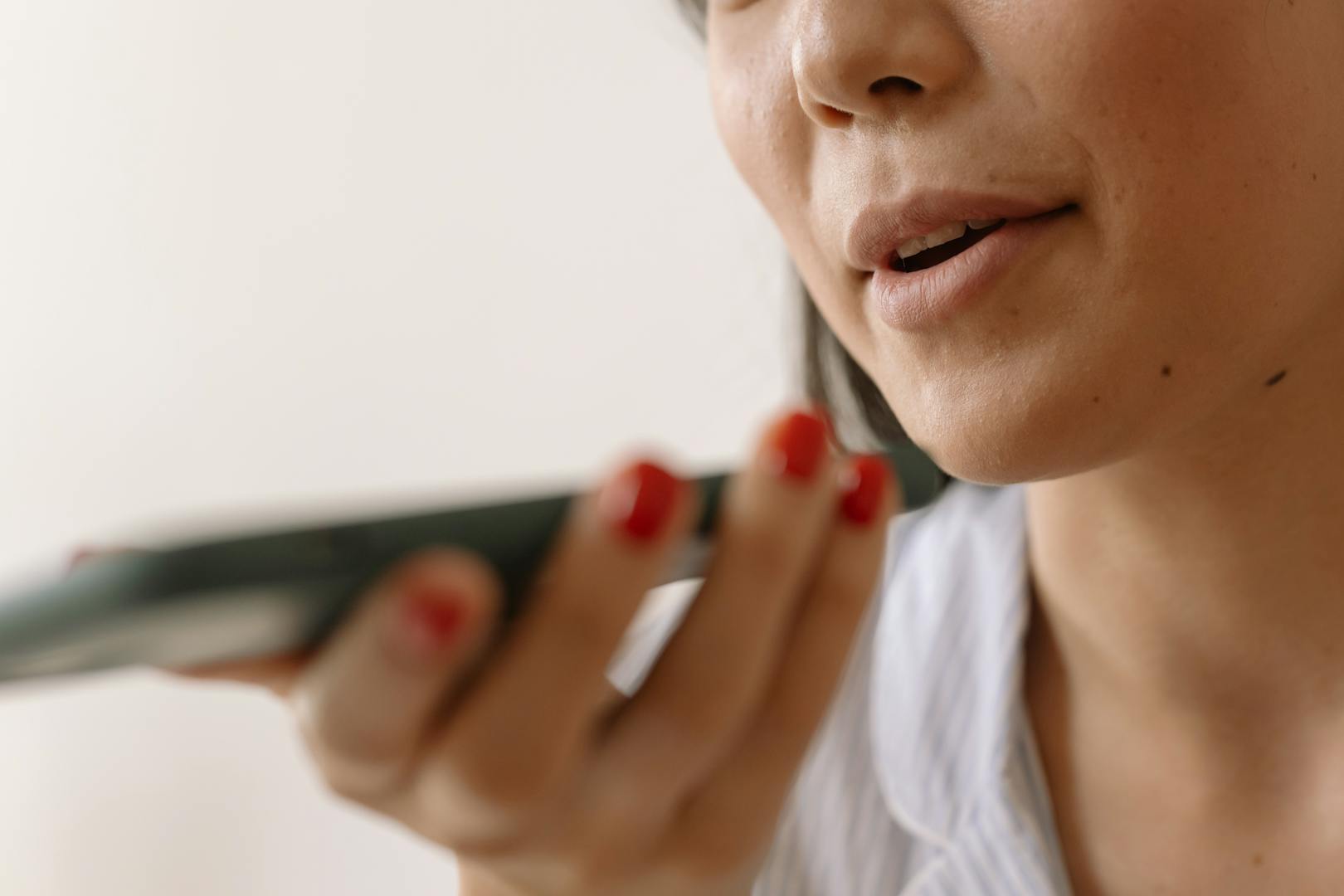
Free
Built for Moments That Matter
Some people want to hold on to a voice they miss. Others want to speak again with the sound that feels like home.
Our enhancement process is designed to help in both situations. It prepares real recordings from real life, even if they were never meant for anything this important.
Hran é referência no tratamento de ELA (18960951448).jpg
ALS and the Changing Voice
ALS affects the motor neurons responsible for speech. Many people notice reduced volume or increasing effort when speaking. Losing your voice can feel deeply personal. Vocal Heirloom helps preserve how your voice sounds by creating a natural audio message from your own recordings.
What You Can Achieve With Vocal Heirloom
How the Technology Works
Upload Your Recordings
You provide audio where your voice is clearly audible. Even short clips can help.
Optional Audio Enhancement
You can choose to use enhancement tools that clean noise and improve clarity. You stay in full control and can skip this step if you prefer your original files.
Provide Basic Information
You enter simple details about the person whose voice is being recreated. This helps the system prepare the script.
Choose a Narrative Style
Options include Final Toast, Dedication Story, Direct Personal Message, Comfort Call, and more. The style shapes the emotional direction of the message.
Script Generation and Editing
The system creates a draft script based on your inputs. You can edit the draft in any way you want until it fully matches your intent.
Voice Generation
Once the script is final, the system creates a single MP3 that speaks the exact message in a natural sounding version of your recreated voice.
Privacy Commitment
Ownership verification keeps the process safe. Audio and models are deleted immediately after creation.
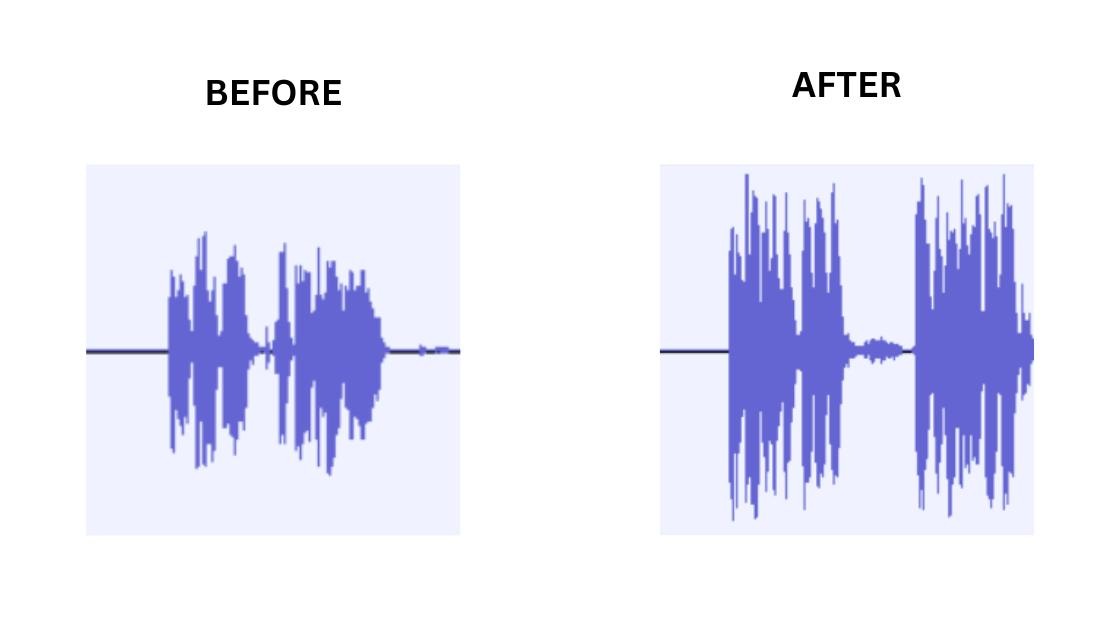
Before and After Audio
Before
A phone recording with wind, room noise, or low clarity.
After
A cleaner version used only to support the creation of your final MP3.
The enhancement is optional. All files remain private.
What You Can Do Today
Preserve The Connection
Your voice carries warmth, humor, and the sound of who you are. Even as ALS affects speech, the sound of your voice can stay close to you and the people who care about you. Vocal Heirloom helps preserve this connection by creating a complete audio message that reflects your natural voice.
Frequently Asked Questions
Is this only for early ALS
No. As long as recordings exist, the system can work with them.
How much audio do I need
About twenty to sixty seconds of clear speech is usually enough.
Can family members upload recordings
Yes. Ownership verification keeps the process safe. After registration, you will have an account available to log in.
Do I need special equipment
No. Basic phone recordings are enough.
Is my data stored
Audio and models are processed securely. Your new voice message will be available for download for 90 days. After that, it will be deleted. The voice model will be deleted immediately after the process is complete.
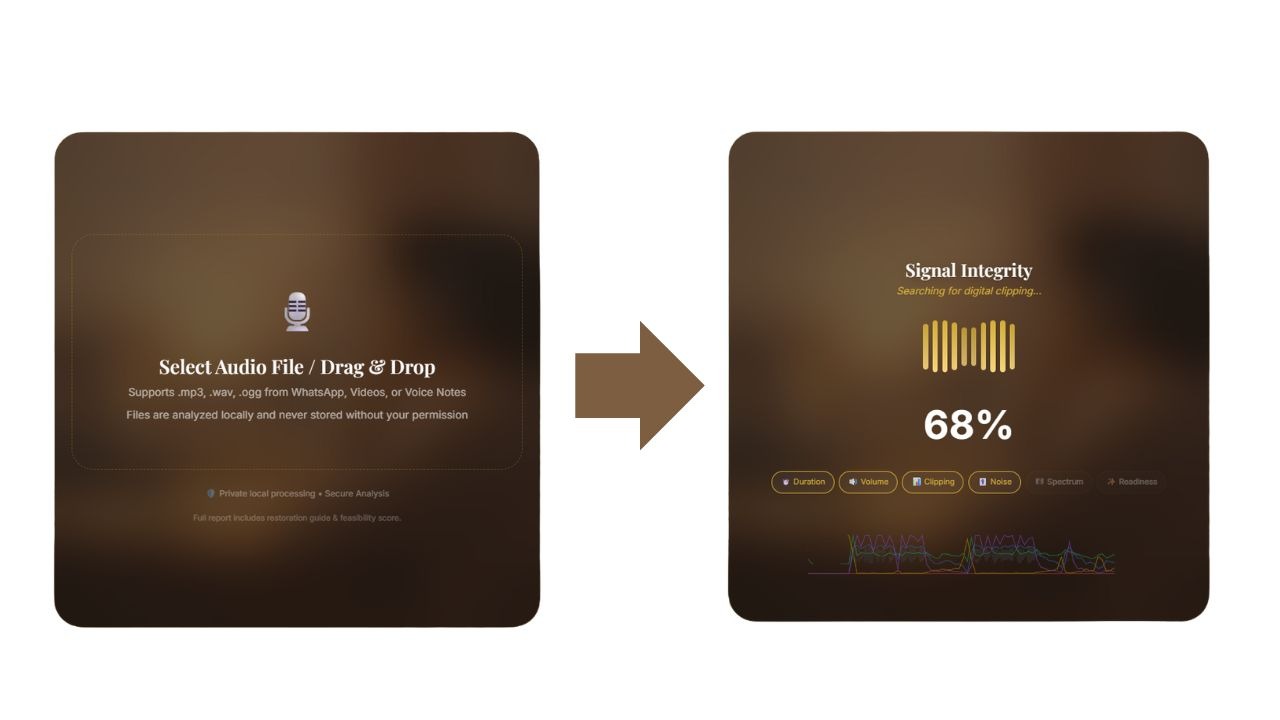
Check Your Audio File
Upload a voice note or video clip. The system evaluates clarity, background noise, and overall quality to confirm if your audio can be used to generate a voice message. This check is free.